Introduction
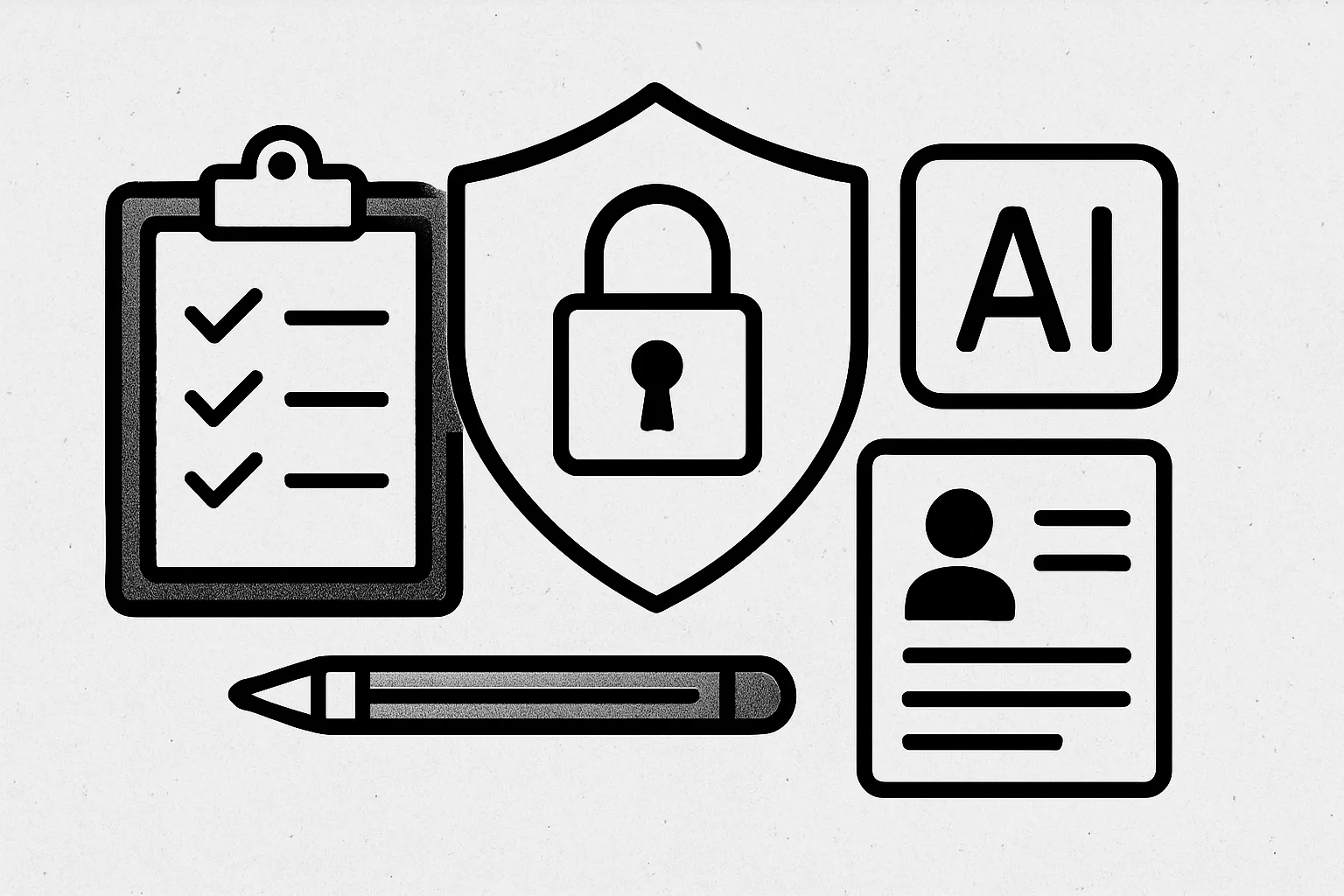
As AI tools become increasingly integrated into our daily lives, understanding how to use them responsibly is crucial. This article provides a security and privacy checklist for users of AI platforms like BinoBox, which offers a variety of tools including chat, image, video, audio, and music functionalities. By following these guidelines, you can ensure that your use of AI tools is both effective and secure.
Understand the AI Tool's Capabilities
Before diving into the use of any AI tool, it’s essential to understand its capabilities and limitations. BinoBox, for instance, allows users to manage outputs, including history and downloads. Familiarize yourself with the features available, such as optional sharing settings, to make informed decisions about how you interact with the platform.
Review Privacy Policies
Always review the privacy policies of the AI tools you use. BinoBox provides clear guidelines on how user data is handled. Ensure you understand what data is collected, how it is used, and whether it is shared with third parties. This knowledge will empower you to make choices that align with your privacy preferences.
Manage Your Outputs
One of the key features of BinoBox is the ability to manage your outputs. Regularly review your history and downloads to ensure that sensitive information is not stored longer than necessary. If you have enabled sharing options, be cautious about what you share and with whom. Regularly clean up your output history to minimize risks.
Use Strong Passwords and Two-Factor Authentication
Security starts with strong passwords. Ensure that your BinoBox account is protected with a unique, complex password. Additionally, enable two-factor authentication (2FA) if available. This adds an extra layer of security, making it more difficult for unauthorized users to access your account.
Be Cautious with Sensitive Information
When using AI tools, avoid inputting sensitive personal information. For example, if you are using BinoBox for generating content, refrain from sharing details like your full name, address, or financial information. Instead, focus on general topics that do not compromise your privacy.
Regularly Update Your Knowledge
The landscape of AI tools and their associated risks is constantly evolving. Stay informed about the latest security practices and updates from BinoBox. Subscribe to newsletters or follow relevant blogs to keep your knowledge current. This proactive approach will help you adapt to new challenges and maintain a secure environment.
Checklist for Responsible AI Tool Use
- Understand the capabilities of the AI tool.
- Review the privacy policy thoroughly.
- Manage your outputs regularly.
- Use strong, unique passwords and enable 2FA.
- Avoid sharing sensitive personal information.
- Stay updated on security practices.
Practical Example: Using BinoBox for Content Creation
Imagine you are using BinoBox to create a marketing video. Before starting, ensure you have reviewed the privacy policy to understand how your data will be used. As you generate content, avoid including any proprietary information about your company. After completing the video, check your output history to delete any drafts that contain sensitive data. Finally, secure your account with a strong password and enable 2FA to protect your work.
Conclusion
Using AI tools like BinoBox can enhance productivity and creativity, but it is essential to prioritize security and privacy. By following this checklist and implementing best practices, you can enjoy the benefits of AI while safeguarding your personal and sensitive information.